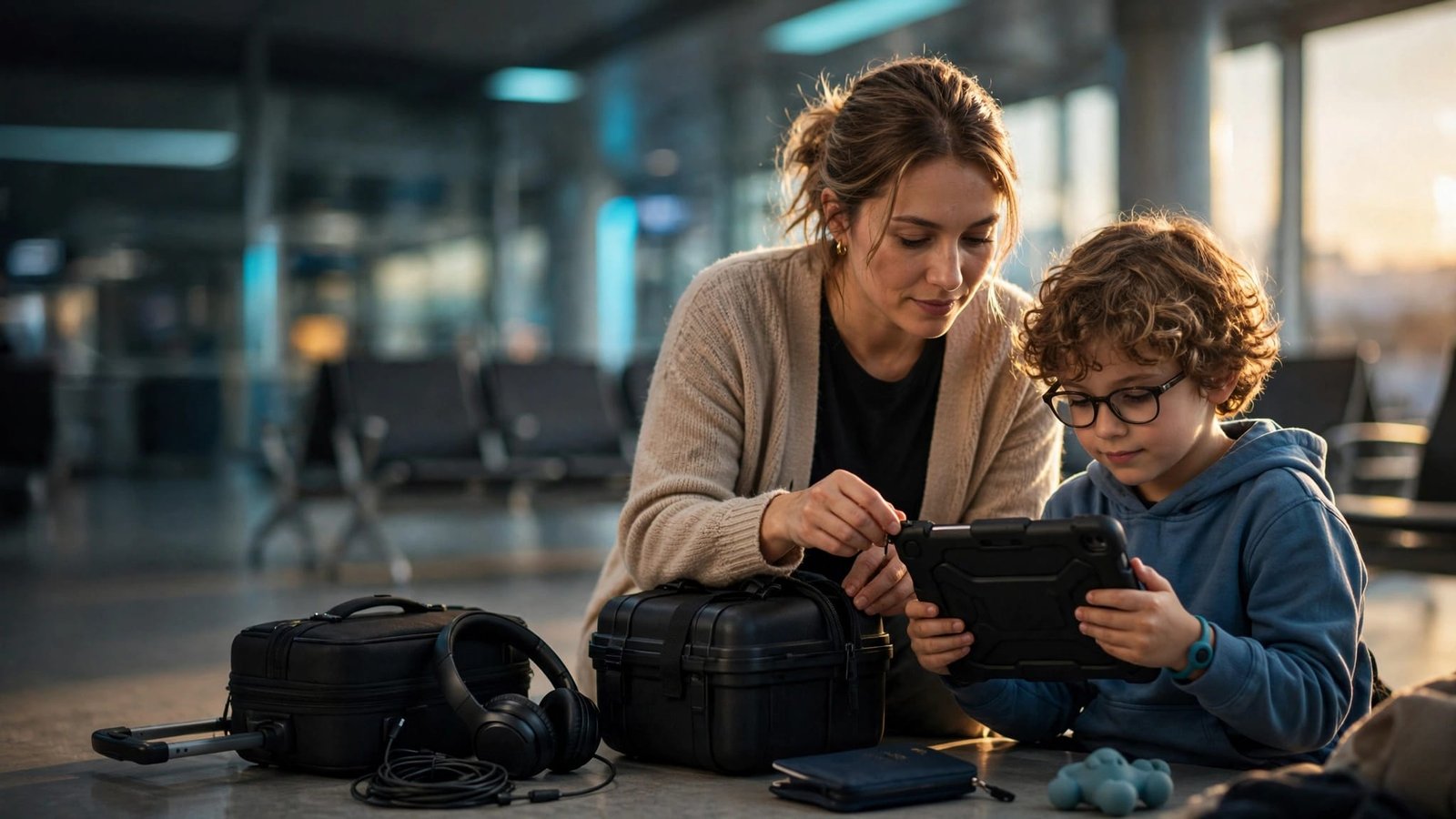
A family vacation gets harder fast when a child or adult can’t easily say they’re scared, thirsty, tired, or ready to leave. Communication access should stay close, charged, and familiar throughout the trip.
AAC device travel works best with preparation that starts several weeks before departure. This travel planning protects communication access, charging, comfort, transportation, airport security, and flexibility.
Start with the communication system that already works at home. Prepare for travel day, plan for the trip itself, and leave room for unexpected changes.
After returning home, check the device, restore any changed settings, and note what worked well. That information can make the next vacation easier.
Start With Your Traveler’s Usual Communication System
Augmentative and alternative communication, often called AAC, can supplement speech or provide a primary way to communicate when speech isn’t functional. ASHA’s AAC overview explains that AAC can include AAC devices, a speech-generating device, picture systems, gestures, writing, and sign language.
This assistive technology may support people with speech impairments, but every traveler has different communication needs. Vacation isn’t the time to switch to a new app, vocabulary system, or unfamiliar device.
Before travel, ask the traveler’s existing speech-language pathologists or speech therapy team about access method, positioning, vocabulary, and backup planning. Vocabulary and access should reflect the traveler’s motor skills, language development, preferred communication method, and actual routine, not assumptions about cognitive level.
Don’t change a familiar app, device, or vocabulary system before a trip, including a semantic compaction pattern in systems that use it. If equipment needs replacement, check insurance coverage and order it before travel.
Make a short travel profile
Create a one-page travel profile before you leave. Include communication methods, food needs, medications, sensory supports, bathroom needs, emergency contacts, and what helps during a hard moment.
Add a short note such as: “Uses AAC and needs extra time to respond.” Another adult, airline employee, hotel staff member, or park worker can understand the basics without asking you to explain everything in a busy moment.
Give each adult a clear job
If more than one adult is traveling, decide roles before the airport or park entrance. One person can handle bags, tickets, and hotel details. Another can stay focused on communication, snacks, medication, and transitions.
Keep your language short when plans change. “The gate changed. Then snack.” “The ride is closed. Break first, then we choose.” Simple words can lower pressure when the day feels too big.
Prepare the AAC Device Before Leaving Home
A successful travel plan for AAC devices starts several days or weeks before departure. Complete updates, vocabulary exports, and testing at home, never during a connection or in a hotel with weak Wi-Fi.
Add words for the trip you are taking
Make favorite pages easy to find, and preserve the traveler’s established layout and vocabulary whether they use Proloquo2Go, TouchChat HD, LAMP Words for Life, GoTalk systems, or another system. Familiar navigation supports language development, especially during stressful travel days.
If the existing system uses semantic compaction, keep that familiar vocabulary organization in place. Don’t change semantic compaction just for vacation.
Add short, familiar messages for the moments that can be hardest:
- “Help,” “break,” “bathroom,” “water,” and “hungry.”
- “Too loud,” “scared,” “wait,” “all done,” and “change.”
- “Hotel,” “airplane,” “car,” “stroller,” “headphones,” and “quiet.”
Include choices that matter to your child or adult traveler. “Snack or water?” “Headphones or hoodie?” “Quiet corner or hotel?” Two clear choices can work better than a long conversation during sensory overload.
Check power, protection, and offline access
Fully charge the device the night before. Test the charger, cable, protective case, shoulder strap, and portable battery. Keep a second charging option available, such as a spare cable or wall adapter.
Export or back up the vocabulary before leaving. Test offline access, and verify guided-access or lock settings if they’re used. Download movies, music, maps, or communication content that needs internet before you leave.
A protective setup with portable designs should be easy to carry without changing the traveler’s familiar access method. Inspect the case and strap for loose parts or damage.
If the speech-generating device is described as medically necessary, check what documentation you may need. Confirm insurance coverage decisions before departure, especially for repairs, replacement equipment, or travel accessories.
Voice assistants can help with timers or reminders when the traveler already uses them, but they aren’t a replacement for AAC devices.
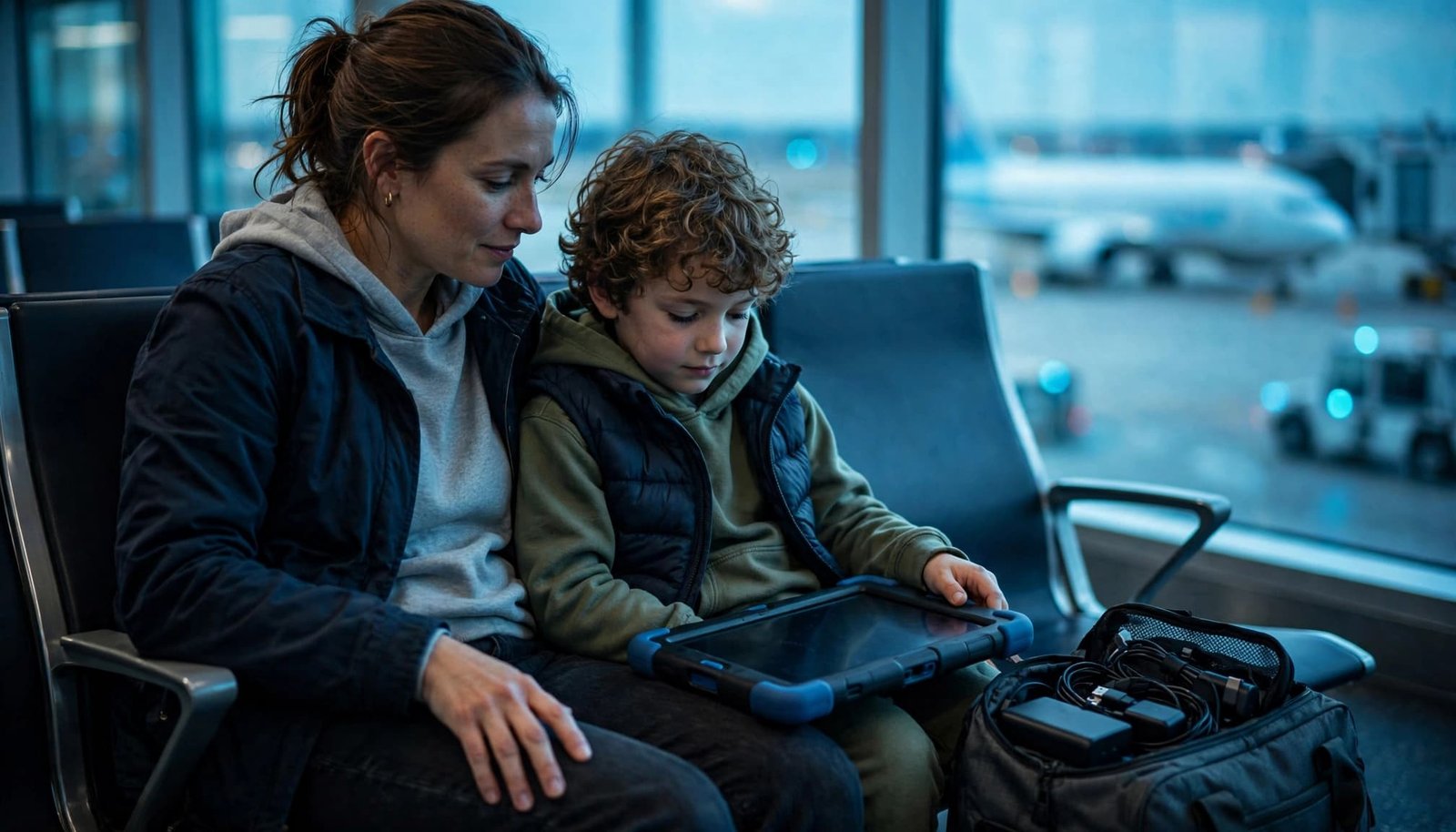
Keep AAC devices, headphones, cords, and the portable battery together in one small pouch. Families often remember the tablet and forget the charging cable.
A communication device should be treated like medication or a mobility aid. Keep it with you, not in checked luggage.
Build a Backup Plan That Still Lets Them Communicate
Technology can fail. Batteries run down. AAC devices can be dropped, left in a hotel room, or damaged by rain. A layered backup helps your traveler still share basic needs.
Pack paper communication boards
Print a small board with words, photos, or symbols your traveler recognizes. Include food, drink, bathroom, help, break, quiet, pain, scared, yes, no, more, stop, and all done.
Keep two communication boards in separate bags, one in the travel pouch and one in a day bag. Paper copies don’t need Wi-Fi, a password, or a charger. They’re also easy to hand to another caregiver.
Make a restore copy that preserves the traveler’s existing vocabulary and navigation. Examples include Proloquo2Go, TouchChat HD, LAMP Words for Life, and GoTalk systems, but these aren’t recommendations. Keep semantic compaction familiar when it’s part of the traveler’s established system. Store the copy somewhere safe so you can restore the primary system if needed.
Use familiar non-device options too
Bring whatever your traveler already uses, such as gestures, signs, writing, or photos. If already configured, voice assistants may help locate a device, set a timer, or call a support person, but they aren’t a communication substitute.
Tell travel companions what common messages mean before you are in a crowded airport or theme park. A short staff note can help: “Please speak directly to them, allow extra processing time, and ask for consent before speaking for them. Ask the parent if support is needed.” It keeps the focus on respectful communication.
Airport Security With an AAC Device
Airport security is easier when the routine is explained ahead of time. Practice the airport screenings sequence at home: bags go in bins, items may come out, we walk through screening, then we collect our things.
Ask for support before travel day
TSA offers guidance for travelers with disabilities and medical conditions, including travelers using assistive devices. TSA Cares can help families ask about accessibility enhancements, checkpoint assistance, and a Passenger Support Specialist. Contact them at least 72 hours before travel when support would help.
Explain your child’s communication needs and assistive technology in plain language. You might say, “My child uses an AAC device and needs one-step directions, extra time, and a parent nearby.”
When applicable, documentation may identify the device as medically necessary. It doesn’t guarantee an exemption from screening or special treatment. Support also doesn’t promise a shorter line or a particular outcome.
Keep batteries in your carry-on
Keep the device and batteries easy to reach in your carry-on bag. Have the case open or ready if an officer asks about it. Stay calm, answer questions simply, and let your traveler keep familiar supports nearby when possible.
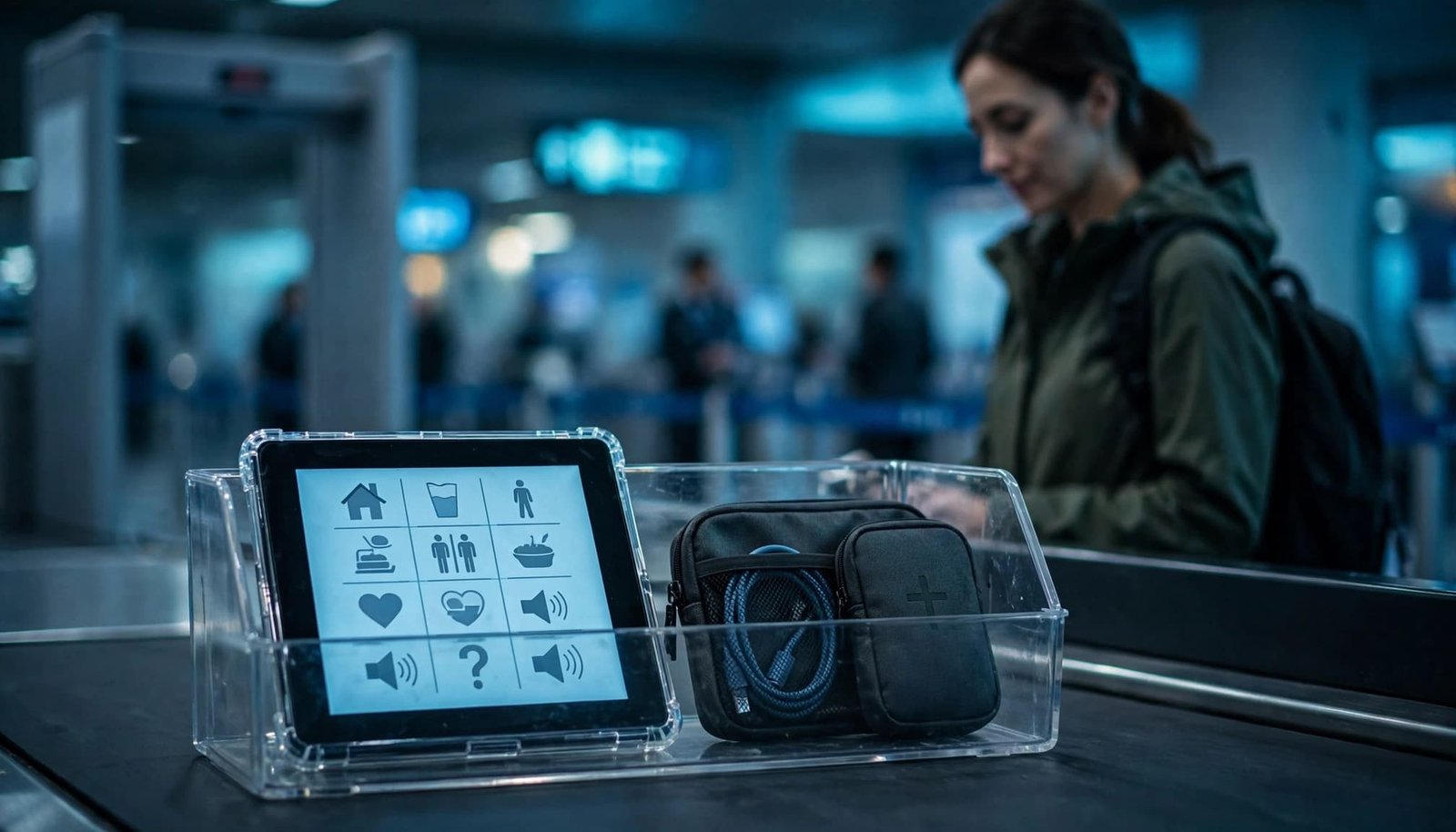
The FAA says power banks and spare lithium batteries belong in carry-on baggage, not checked bags. If a carry-on bag is gate-checked, remove spare batteries and keep them in the cabin with you. Check the battery label, TSA and FAA guidance, and your airline’s current rules before flying, especially for larger batteries.
Keep Communication Easy During Travel Days
Travel days use a lot of energy. A long airport walk, delayed flight, rental car line, hotel check-in, and unfamiliar restaurant can add up before your vacation even begins.
Plan the flight and layover
Good travel planning includes seat selection, connection length, airport maps, and chances to pause or reset. A direct flight or fewer connections may make the day easier, when available.
Consider an airport shuttle, rental car, rideshare, or a road-trip stop plan based on your family’s needs. Verify policies with each airline and transportation provider before leaving home.
Keep the traveler’s AAC devices, medication, snacks, water, headphones, and battery within reach, not in checked luggage. Carry emergency contacts and medication details, and identify charging access before travel.
Look at the airport map before leaving home. Some airports have lower-traffic seating areas or sensory rooms, but availability varies. Don’t assume there will be a quiet space. Have a backup plan for delays, such as a calmer gate area, a short walk away from the crowd, or extra time between connections.
Make the hotel part of the support plan
Your hotel is where everyone resets. Ask about room location, refrigerators, microwaves, laundry, quiet areas, elevator distance, and transportation before booking. Also plan where your family can recover from illness or sensory overload.
An already-familiar reminder through voice assistants can help with medication, departure time, or charging. This is optional and isn’t a substitute for the traveler’s usual communication system.
Familiar breakfasts and safe snacks can make mornings much easier. For family basics that are easy to forget, Trip Rescue Shop has travel supplies, strollers, and practical cleanup items for sick days away from home.
Use a Flexible Plan for Disney and Busy Attractions
Theme parks can be exciting, loud, hot, and full of waiting. A good day does not mean completing every attraction. It means your traveler has ways to communicate and enough space to reset.
Build breaks into the schedule
Keep travel planning focused on one or two priority experiences each day. Stay in one area when possible. Leave room for snacks, bathrooms, shade, quiet time, and an early return to the hotel.
If Disney World is part of your AAC device travel plan, review current Disney World autism planning tips before your trip. Check Disney’s official information close to your travel dates for current accessibility enhancements, registration procedures, availability, and eligibility requirements.
Keep the day smaller than the wish list
Bring the same familiar AAC devices, charger, low-tech backup, and comfort supports your child uses at home. Explain to Cast Members that your child uses AAC or may need extra processing time. A parent may need to speak first, and that is okay.
AAC use alone does not determine DAS eligibility. If you apply, describe your traveler’s actual difficulty with waiting in a queue honestly and specifically.
Our Disney World with Autism Guide on Etsy includes practical support ideas for sensory needs, DAS preparation, breaks, and flexible park days. You can also keep the Amazon edition of the Disney autism travel guide close during the trip.
Key Takeaways for AAC Device Travel
Keep AAC devices, their case, charger, battery, and offline access together in your carry-on.
Pack communication boards and a short travel profile another adult can understand quickly. Practice airport steps, use familiar phrases, and leave room for breaks.
Keep supports available during transportation, delays, park days, and the return home. The best vacation plan is flexible, familiar, and built around your traveler’s needs.
Frequently Asked Questions
Should an AAC device go in checked luggage?
No. Keep AAC devices in your carry-on bag, including the primary device, charger, protective case, and required batteries. This keeps them available during delays, gate changes, and baggage problems. The FAA also says battery-powered devices should be protected from damage and accidental activation when checked. If an AAC device is medically necessary for your traveler, carry any relevant documentation you already use. Still, verify current airline and security requirements before leaving.
What should be on an AAC travel communication board?
Start with communication boards that reflect your traveler’s established vocabulary and needs. Include messages they already understand, such as help, break, bathroom, water, hungry, scared, too loud, wait, change, yes, no, and all done. Add travel-specific items such as airplane, hotel, car, snack, headphones, stroller, and quiet.
Can a child who uses AAC qualify for Disney DAS?
Using AAC alone does not automatically qualify someone for Disability Access Service. Eligibility is based on a guest’s functional difficulty waiting in a conventional queue. Review Disney’s current process before travel and explain your child’s actual needs honestly.
Make Communication Part of the Vacation Plan
Planning for augmentative and alternative communication makes the vacation feel more manageable. Keep familiar AAC devices protected and available, and make backups simple. Familiar voice assistants can help with reminders or locating supplies, but they don’t replace the traveler’s communication system.
A missed ride or changed plan is easier to handle when your traveler can say what they need. That is what helps a family vacation feel more comfortable, connected, and memorable.
After the trip, recharge and inspect the device, then restore any temporary settings. Replace used backup supplies, and note what helped or caused difficulty for next time.