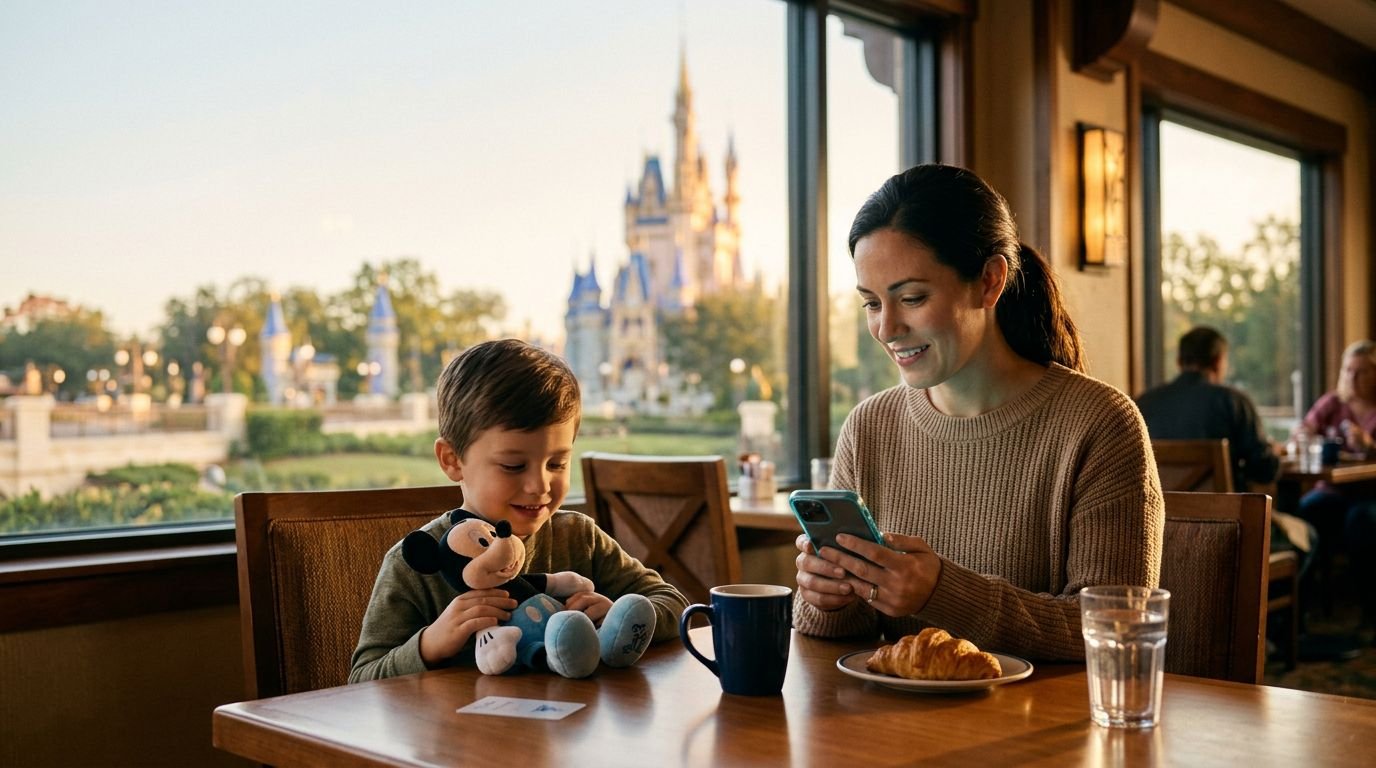
A Disney park day can feel exciting until everyone is watching a phone, waiting for a queue to open, and wondering what happens next. For autism families, the Disney World virtual queue can be helpful when it is available, but only if it fits your child’s needs and your family’s pace. You can check the My Disney Experience app right from your disney resort hotel room to plan ahead without feeling rushed.
The good news is that you don’t need to race through the park or buy every add-on to have a wonderful trip. A calm morning, a charged phone, familiar comfort items, and a flexible plan often matter more than a long ride list.
Start with the current Disney rules, then build a day that gives your family room to breathe.
Key Takeaways
- Virtual queues are not always available at Walt Disney World and should be used as a flexible tool rather than the centerpiece of your vacation.
- Set up the My Disney Experience app, link park tickets, and connect your party before your trip to reduce day-of stress.
- Understand the differences between virtual queues, Disability Access Service (DAS), and Lightning Lane options to choose what best fits your family’s needs.
- Plan the rest of your day around return times by keeping schedules short, incorporating resort breaks, and prioritizing your child’s comfort over a packed ride list.
Check Whether a Virtual Queue Is Available for Your Dates
Virtual queues are not always available at Walt Disney World. While Disney’s virtual queue system and virtual lines are often utilized for popular attractions like Guardians of the Galaxy: Cosmic Rewind, Tiana’s Bayou Adventure, or TRON Lightcycle / Run, availability can change. Disney may bring a queue back for a new attraction, a limited-time event, a special preview, or another busy experience.
That means the first rule is simple: do not plan your whole vacation around a virtual queue.
Check the My Disney Experience app shortly before your trip and again each park morning. Disney can change which experiences use a virtual queue, the time the queue opens, and the requirements for joining. Some past virtual queues have opened during a 7:00 AM distribution window, while others used different times or tied into perks like early entry and extended evening hours.
A Disney World virtual queue gives your family a boarding group or return window. It does not mean you walk right onto the attraction. When your boarding group is called, you still need to head to the attraction entrance and handle the normal sights, sounds, and crowds around the ride instead of waiting in a traditional standby queue.
For many autistic children, waiting outside the physical line can be a relief. They can eat a snack, sit in shade, enjoy a quieter attraction, or take a sensory break instead of standing in a packed queue.
Still, the uncertainty can be hard. Your child may ask, “When is our ride?” and there may not be a clear answer yet. Talk about that before the day begins.
Try simple language such as:
“We will ask the phone for a ride time. Then we can do other things while we wait. The phone will tell us when it is time to go back.”
It also helps to avoid promising a specific ride. Virtual queues can fill quickly, and Disney can pause or change them without much notice. Frame it as a possibility, not a guarantee.
Get Your Phone and Party Ready Before Queue Time
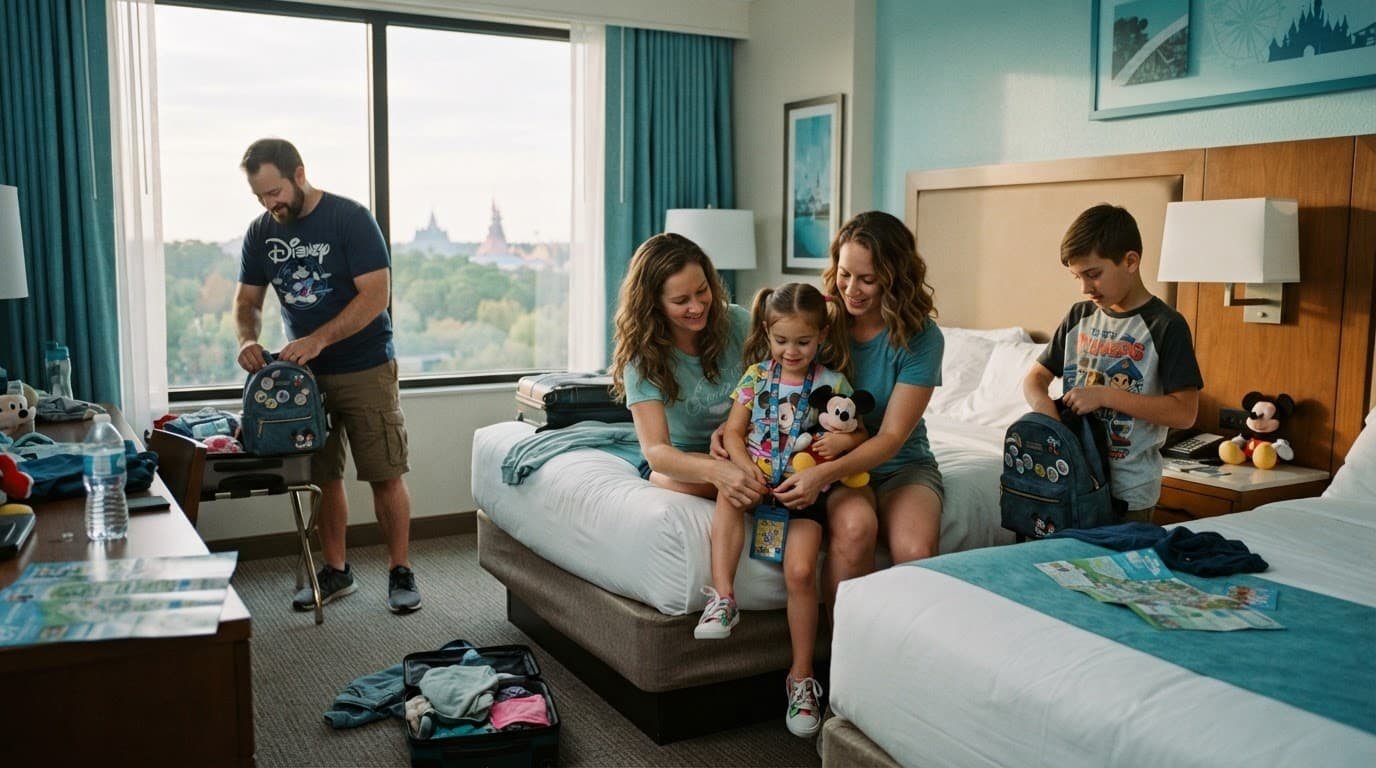
The My Disney Experience app does a lot of work during a Disney vacation. It may hold tickets, park maps, dining plans, mobile food orders, return times, and messages between family members. A dead phone can turn a manageable moment into a stressful one.
Set up the app before you leave home. Link every park ticket. Confirm that the people who may join the queue are connected in your Family & Friends list. Open the My Disney Experience app and make sure you know where to find the virtual queue screen, even if no queue is active yet.
Choose one adult to handle your mobile device at queue time. A second adult can be a backup, but avoid having everyone refreshing their screens at once. Too many people giving directions can make an already tense moment harder.
A small tech pouch belongs in every park bag. Keep your portable charger, charging cable, headphones, and any needed devices together. Parents often remember the tablet and forget the cord. That one missing cable can feel huge after a long, hot park day.
Before the queue time, make a simple plan:
- Sit somewhere calm with a strong phone signal, such as your resort room, a quiet outdoor table, or a less-crowded park area.
- Have the My Disney Experience app open a few minutes early to secure a boarding group when boarding groups drop, making sure the correct party members are selected.
- Let your child use headphones, a favorite show, a fidget, or another familiar comfort item while you work to grab a boarding group.
- If you get a return time, share the next step in simple terms, not a long explanation.
You do not need to make the phone screen part of the excitement. Some children enjoy seeing the countdown. Others may become upset if the queue fills or the app does not load quickly. Follow your child’s lead.
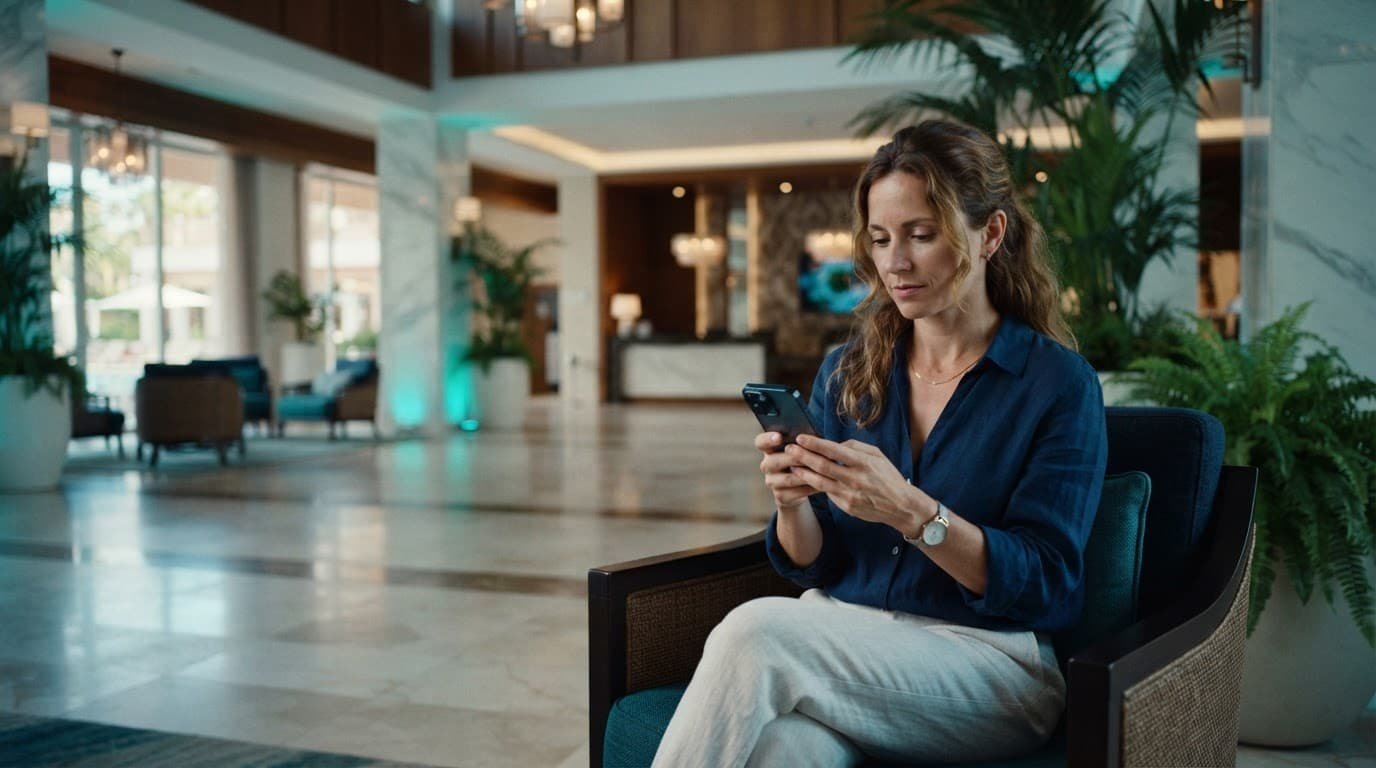
If your child wants to be included, give them a small job that does not put pressure on them. They can hold the comfort bag, choose a snack, or check off phone ready on a visual schedule.
Disney World Virtual Queue Tips for Autism Families
Mastering your Disney World virtual queue strategy is not about speed alone. It is about lowering uncertainty before it becomes distress.
Explain the idea of a return time before your trip. A virtual queue asks your child to switch plans later, and transitions can be difficult even when the wait is shorter. Use a simple visual schedule on your phone with a few pictures or words: breakfast, park, phone checks ride, snack, ride, hotel break.
Keep the schedule short. A full day of tiny boxes can feel like pressure. Your child only needs to know what is happening now and what comes next.
Think about the attraction itself, not only the queue. A virtual queue may help you avoid a long line, but it cannot remove loud music, dark rooms, sudden drops, motion, character voices, or a busy exit area. Watch a ride video at home if that helps your child prepare. You know your child best.
When you receive a return window, do not immediately rush across the park. Check the time, look at your child’s energy, and take the easiest route. If you are already nearby, use the time for a bathroom stop, water refill, snack, or quiet indoor attraction.
Epcot needs extra planning because distances can surprise families. Remy’s Ratatouille Adventure is in France. Frozen Ever After is in Norway. Soarin’ Around the World is in World Nature. A plan that sends your family back and forth across Epcot can bring more stress than managing long wait times ever would.
Magic Kingdom can be easier when you keep your day within one land for a while. If your assigned return time is in Fantasyland, stay near Fantasyland. Enjoy a nearby attraction, sit with a snack, or browse a quieter shop rather than racing toward Tomorrowland and back.
A virtual queue saves time in a line, but it does not save energy if it sends your family across the park at the hardest part of the day.
Give your child a clear exit option. Tell them, “We can look at the attraction entrance. If it feels too hard, we can take a break.” That does not mean you expect them to quit. It means they are safe and supported.
Know the Difference Between DAS, Virtual Queues, and Lightning Lane
Families often hear these terms together, but they are different tools. Similar access policies exist across both Walt Disney World and disneyland resort to help manage crowd flow.
Disney’s Disability Access Service information explains that DAS may help guests who cannot wait in a conventional standby queue because of a developmental disability, including autism or a similar condition. Eligibility and registration procedures can change, so review Disney’s current details before your trip.
Once DAS is active, the registered guest or someone linked to their account can request an attraction return time in the My Disney Experience app. Your family waits elsewhere instead of remaining in the standard line. In most cases, you can hold one DAS return time at a time. After you redeem it, you can request another available return time.
The registered guest needs to be present and ride with the group. Disney may also use photo verification at the attraction entrance. This is not a way for other family members to ride without the DAS guest.
Disney’s attraction queue access guidance is worth reading before you arrive. It can help you understand the support options available and prepare questions for Guest Relations.
Here is the simple difference:
| Option | What it does | When it may help |
|---|---|---|
| Virtual queue | Gives a return group or window for a limited attraction or event | When Disney offers one for a specific experience |
| DAS | Provides a return time instead of waiting in a standard queue | When an eligible guest cannot tolerate a conventional line |
| Lightning Lane Multi Pass | A paid service with selected attraction return windows | When your family has a few important rides and can manage scheduled times |
| Lightning Lane Single Pass | A separate paid option for select high-demand rides | When one major attraction matters enough to your family |
Lightning Lane Multi Pass is separate from DAS. It can be useful, but you do not need it every day. A schedule filled with timed reservations, alongside any required theme park reservation, can become another clock to watch.
Consider multipass for a park where your family has a few true must-do rides. EPCOT may be a good fit if Guardians of the Galaxy: Cosmic Rewind, Remy’s Ratatouille Adventure, or Frozen Ever After are high priorities. Other major rides like Tiana’s Bayou Adventure might require a single pass instead. Check the app before buying because prices, eligible attractions, and return times change.
A paid add-on is only worth it if it makes your day easier. If your child needs long breaks, struggles with sudden ride closures, or becomes upset when plans change, fewer commitments may be the better choice.
Plan the Rest of the Day Around the Return Time

A good Disney day does not need to start at rope drop and end after fireworks. It needs enough structure to feel safe and enough flexibility to handle real life. Whether you take advantage of early entry as a guest staying at a disney resort hotel or choose to sleep in, remember that every theme park reservation can be adapted as you go.
Choose one or two morning priorities. Keep them close together. Then leave room for snacks, bathrooms, shade, and unexpected stops. If your child loves a quiet play area or wants to ride a gentle favorite again, that is not wasted time.
Use return times as anchors, not commands. A boarding group or DAS time gives you a next step. It does not mean you should fill every minute before it with another busy activity.
While you wait, choose low-pressure options your child already enjoys. That could mean a familiar snack, a calm ride with a short standby line, an indoor show, a shaded bench, or time in the stroller. If your stroller helps your child regulate, ask a cast member or visit a guest experience location to request a stroller-as-wheelchair tag.
Mobile food ordering can also reduce stress. You can look at menus in a quieter spot, place an order when your child is ready, and avoid standing in another line. If indoor seating feels loud, look for an outdoor table or take food back to your resort during a planned break.
A resort break is not a failed park day. It can be the reason your family enjoys the evening. At Walt Disney World, buses, security lines, monorails, Skyliner stations, weather, and long walks all add up. A hotel pool break, a familiar lunch, or an hour of quiet can reset the whole day.
For added support, the Disney World with Autism Guide PDF includes practical ideas for DAS, sensory needs, packing, and flexible Disney planning. The Amazon edition of the Disney autism travel guide is another easy option for families who want help building a calmer trip.
What to Do When the Queue Plan Falls Apart
Even the best plan can change. A ride can close. A virtual queue system can experience a temporary pause, or unexpected shifts in wait times can happen at either Disney World or the Disneyland Resort. Your child may feel done with the park before the return time arrives. None of those moments mean the vacation is ruined.
Start by lowering the pressure. Say, “That ride is not working right now. We can choose what feels good next.” Avoid long explanations while your child is already overwhelmed. A short, calm statement is easier to process.
If the app is confusing or your return time creates a problem, find a guest experience team location or speak with a cast member. You do not have to solve every issue while standing in the middle of a crowded walkway. Cast members can explain the next available step and help you understand what the app is showing.
Keep a small backup list of easy choices in each park. Pick places your child has already liked, such as a favorite quick-service meal, a gentle ride, a quiet shop, a shaded area, or a resort return. That way, you are not trying to invent a new plan during a hard moment.
The goal is not to recover every missed attraction. The goal is to help your child feel safe enough to enjoy the next part of the day.
Frequently Asked Questions
What is a Disney World virtual queue?
A Disney World virtual queue is a digital system used for select popular attractions where guests join a boarding group through the My Disney Experience app rather than standing in a traditional standby line. When your group is called, you return to the attraction during a specific window, though you may still wait briefly at the entrance.
Do I need a virtual queue to enjoy Disney World with an autistic child?
No, virtual queues are entirely optional and only available for specific rides. Many families find success by focusing on a flexible daily plan, taking sensory breaks, and utilizing alternative support options like DAS if eligible.
How does Disability Access Service (DAS) differ from a virtual queue?
DAS is designed for guests who cannot tolerate conventional standby queues due to a developmental disability like autism, allowing them to request return times for standard attractions. A virtual queue, on the other hand, is required by Disney for specific high-demand rides when available and functions as a boarding group system for all eligible guests.
What should I do if our return time conflicts with my child needing a break?
You do not have to rush to redeem a return window if your child is overwhelmed or needs downtime. Speak with a cast member at the attraction or visit a Guest Experience location to explain the situation and get help adjusting your plans.
A Calmer Disney Day Is Still a Successful Day
The Disney World virtual queue can be a useful tool when Disney offers it, especially when a physical line would be hard for your child. By understanding how the virtual queue system works, you can decide if trying for a morning boarding group fits your family. However, it works best as one part of a flexible plan, not the center of the vacation.
Keep your phone charged, prepare your app and party in advance, and give your child clear expectations. Remember that securing a specific boarding group, or opting out of rope drop and early entry altogether, is entirely up to you. Use DAS or Lightning Lane only when those options match your family’s real needs.
A missed ride is disappointing. A child who feels supported, comfortable, and ready to try again is a much better Disney memory.
Comments
One response to “Disney World Virtual Queue Tips for Autism Families”
[…] high-demand experiences, keep in mind that you may need to join a virtual queue in addition to utilizing your DAS pass. Regardless of the wait method, give your child choices when […]