Busy food lines can turn a good Disney day into a hard moment fast. This guide helps your family choose food, pay ahead with online ordering, and wait somewhere more comfortable.
Mobile Order won’t solve every mealtime challenge. It can, however, remove one more crowded line from the day and give your family more control over when food is prepared.
Key Takeaways
- Disney World Mobile Order lets you choose food, select an arrival window, pay ahead, and wait somewhere more comfortable instead of standing in a busy ordering line.
- Set up the My Disney Experience app, payment method, and Disney Dining Plan before your park day, and bring a portable charger for Mobile Order and other essential app features.
- Schedule meals around sensory breaks, DAS return times, Lightning Lane reservations, and your child’s usual routine. Leave flexibility for changes in hunger, ride timing, or the need for a quieter break.
- Review menus early for familiar foods and allergy information, but speak with a Cast Member about serious allergies, cross-contact concerns, or requests the app cannot support.
- If pickup windows are full, check nearby restaurants, adjust the meal time, use snacks or a resort food court, and ask a Cast Member for help instead of waiting in a crowded area.
Why Disney World Mobile Order Can Lower Mealtime Stress
Quick Service restaurants can be loud, busy, and full of people waiting close together. For many autism families, that combination is harder than the meal itself.
With Mobile Order in the My Disney Experience app, online ordering lets you choose a participating restaurant, select an arrival time, build the meal, and pay before reaching the counter. You do not need to stand in the regular ordering line while deciding what everyone wants.
This creates breathing room. Your child can sit in the shade, explore a quieter nearby area, use headphones, or take a short break while the food is prepared.
Mobile Order also helps when familiar foods matter. You can review menus ahead of time instead of making choices under pressure. A child who prefers plain fries, chicken tenders, fruit, or a specific drink may feel better knowing what to expect.
Mobile Order is separate from DAS and Lightning Lane, and Disney Genie does not replace it or accessibility planning. Treat each return time as one more appointment, not a reason to pack your day too tightly.
Avoid scheduling food pickup during a DAS return time, a Lightning Lane reservation, or a time when your child usually needs a break. A calmer pace is often more helpful than squeezing in one more attraction.
Set Up the My Disney Experience App Before Your Park Day
Download the My Disney Experience app and sign in before you arrive at Walt Disney World. Link your tickets, confirm your payment method, and make sure the Disney Dining Plan is connected before using online ordering. Let this mobile ordering app update at your hotel, since Disney Genie itinerary features may use the same phone.
Disney’s official Mobile Food and Beverage Ordering page lists participating locations and payment options across the theme parks and resort hotels. Availability, menus, and hours can change, so check the app on the day of your visit.
Bring a portable charger every day. Your phone may hold park tickets, maps, DAS return times, dining reservations, family messages, and Mobile Order details. A dead battery can make a manageable day feel much harder.
Keep devices, headphones, charging cords, and your battery pack in one small pouch. It is easy to remember the tablet and forget the cable.
If your child uses AAC, picture supports, or a familiar food list, keep those easy to reach too. A few photos of preferred meals or snacks can make choices easier when words are hard to find.
How to Place an Order Through the App
The online ordering process is simple once you have done it once. Start through the “+” button in the My Disney Experience app, then choose “Order Food.” You may also find Mobile Order through the app menu or a restaurant’s page.
- Choose from participating Quick Service restaurants. The app can show locations near you or let you browse by park, resort hotel, Disney Springs, or water park. Magic Kingdom choices include Casey’s Corner, while Woody’s Lunch Box is another option.
- Pick an arrival time window. Choose “As Soon as Possible” if your family is ready to eat soon. Choose “Schedule for Later” when you want to plan ahead for a later meal.
- Add food and review each item. Look closely at included sides, toppings, and drinks. Some meals have customization options in the app, but not every request will appear.
- Select a payment method and submit the order. You can select the Disney Dining Plan when applicable. You’ll get an order confirmation and can return to the order screen later.
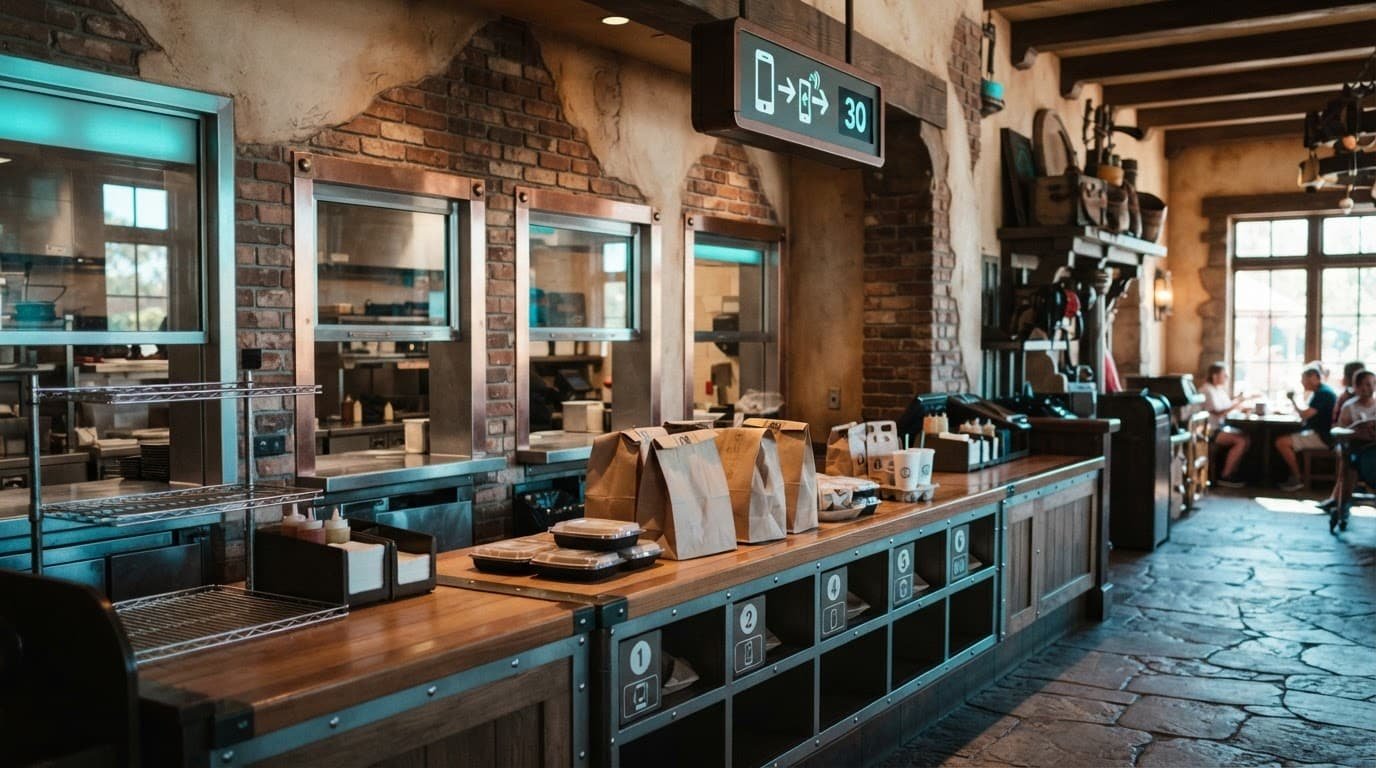
- Wait until you are near the restaurant and inside your selected time window. Then tap “I’m Here, Prepare My Order.” The kitchen does not start making the food until you take this step.
- Watch for the ready notification. Head to the Pick Up Counter only after the app tells you your food is ready.
That last step matters. Compare your Disney Genie attraction plans with your meal time. Do not press “I’m Here” while you are still across the park or boarding a ride. Once the kitchen begins your order, you want to be close enough to pick it up before food gets cold.
Pick Restaurants and Arrival Times Around Your Family
Mobile Order is available at participating Quick Service restaurants in all four theme parks, many resort hotels, the water parks, and select Disney Springs restaurants. It does not replace table-service dining reservations. If Table Service To Go appears in the app at that location, families can use it instead.
Popular choices include Casey’s Corner at Magic Kingdom, Woody’s Lunch Box at Disney’s Hollywood Studios, and Satu’li Canteen at Disney’s Animal Kingdom. At EPCOT, check the app before meals because festival booths, restaurant hours, and crowds can change your options.
A smart online ordering plan is often simple:
- Look at menus during a calm moment, such as breakfast at the resort or while waiting for transportation.
- Schedule lunch before the busiest rush, or after it, if your family can handle a later meal.
- Pick a restaurant near your next attraction or your planned break area.
- Check whether planned meals fit your Disney Dining Plan credits and your family’s appetite.
- Keep familiar snacks in your bag in case the timing shifts.
Disney’s “Schedule for Later” option is helpful when a child needs predictability. You can tell them, “We will get lunch after this ride,” rather than making a decision in a crowded restaurant.
Still, leave room for changes. A child may not be hungry at the planned time or may need a sensory break. A ride may take longer than expected. Your plan should support your family, not turn lunch into another clock to watch.
Food Allergies, Selective Eating, and Custom Requests
For food allergies, review the menu in the app before you are hungry or rushed. Some participating restaurants show allergy-friendly options or ingredient information. This can help with simple needs, but don’t rely on a basic modification field for a serious allergy.
If your child has multiple allergies, a medically necessary restriction, or needs help with cross-contact questions, speak with a Cast Member before you tap “I’m Here, Prepare My Order.” Ask what the kitchen can safely prepare and whether a chef conversation is needed.
Mobile Order works best when the request is clearly supported in the app. It may not cover every combination, such as several allergens plus extensive ingredient changes. In that situation, a Cast Member can help you decide whether Mobile Order is the right choice for that meal.
Selective eating deserves the same respect. Choose simple menu items, bring safe snacks, and don’t build your entire day around trying unfamiliar foods. A familiar meal in a quiet spot can be a win.
For more practical support beyond food planning, the Disney World with Autism Guide on Etsy includes planning ideas for park days, breaks, and accessibility needs.
Paying With Disney Dining Plan Credits, Gift Cards, or Apple Pay
Disney accepts credit cards, debit cards, a Disney Gift Card, Disney Rewards Redemption Cards, Apple Pay, and eligible Disney Dining Plan credits for Mobile Order.
If you use the Disney Dining Plan, review the order before final checkout. The app should show which items can use meal credits or snack credits. Select the credits you want to apply, then pay any remaining balance with your saved payment method.
A quick-service meal credit may simplify payment decisions during the day. Look at the menu first, then use snack credits for foods your family prefers, not only the highest-priced items.
For a helpful example of using credits in the app, see this Disney Dining Plan Mobile Order guidance.
What to Do When Mobile Order Times Are Full
Lunch pickup windows can fill early, especially at popular restaurants between noon and 2 p.m. Do not panic if no available arrival time appears.
Check another nearby quick-service location near Magic Kingdom or Disney Springs. Look for a slightly earlier or later window, then compare it with Disney Genie plans and other itinerary commitments. Refresh the app after a few minutes, since availability can change as other guests adjust orders.
A full window does not mean your family has to wait hungry in a crowded restaurant.
Use snacks to bridge the gap, or use available Disney Dining Plan credits at a backup location when eligible. Resort food courts can also be a good backup during a quieter midday hotel break. Table Service To Go may offer another option if it appears in the app.
If online ordering is unavailable, your payment fails, or the setup feels confusing, ask a Cast Member for help. You do not have to solve every problem while standing in a busy walkway.
The Amazon edition of the Disney World autism travel guide is another helpful resource for families who want a flexible plan that includes meals, breaks, and realistic park priorities.
Frequently Asked Questions
What is Disney World Mobile Order?
Mobile Order is a feature in the My Disney Experience app that lets you choose food and pay before arriving at a participating Quick Service restaurant. When you are nearby and within the selected time window, tap “I’m Here, Prepare My Order,” then pick up the food when the app says it is ready.
How do I place a Mobile Order?
Open the My Disney Experience app, choose “Order Food,” select a participating restaurant, and pick an arrival time. Add your meals, review the order, select a payment method, and submit it. Wait until you are near the restaurant before telling the kitchen to prepare the order.
Can I use the Disney Dining Plan, gift cards, or Apple Pay with Mobile Order?
Disney accepts eligible Disney Dining Plan credits, Disney Gift Cards, credit cards, debit cards, Disney Rewards Redemption Cards, and Apple Pay. Review the checkout screen to confirm which credits apply and pay any remaining balance with your selected payment method.
What should I do if all Mobile Order times are full?
Check another nearby Quick Service restaurant or look for an earlier or later arrival window. You can also use familiar snacks, try a resort food court or Table Service To Go when available, refresh the app, or ask a Cast Member for help.
Can Mobile Order handle food allergies and selective eating?
The app may show allergy-friendly choices and some customization options, but it cannot support every allergy or ingredient request. For serious allergies or cross-contact concerns, speak with a Cast Member before tapping “I’m Here, Prepare My Order,” and choose simple familiar foods when selective eating is a concern.
A Calmer Meal Can Support a Calmer Disney Day
Disney World mobile order gives autism families a simple way to reduce lines, limit last-minute decisions, and choose a better place to wait. It works best when you check menus early, protect your phone battery, and avoid stacking too many timed commitments.
Your family does not need to eat every meal at the perfect time or visit every popular restaurant. A calm meal, a familiar snack, and a real break can be exactly what your Disney day needs.