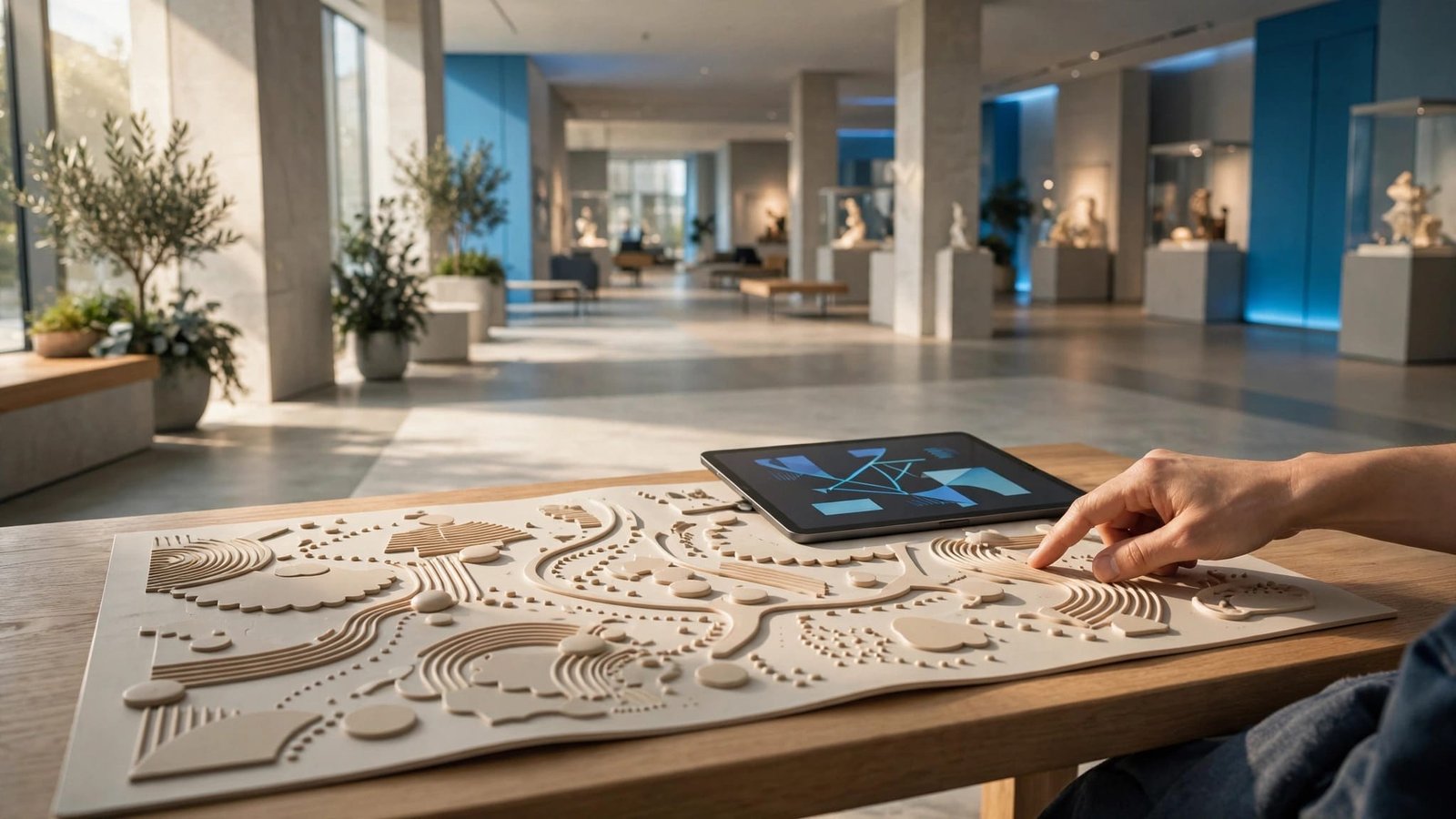
The hardest part of a museum visit may happen before you reach the first exhibit. A noisy entrance, unexpected security check, or crowded lobby can change how comfortable you feel.
A museum sensory guide can help you prepare for those moments and choose exhibits that match your needs. A flexible plan can make the visitor experience more predictable while leaving room for breaks, different choices, and an early departure.
Start by finding the right materials, then read them with your own comfort and interests in mind.
Find the Museum’s Current Pre-Visit Materials
Look under “Accessibility,” “Plan Your Visit,” or “Visitor Resources” on the museum’s official website. Save useful documents and optional digital resources, such as a pre-visit simulator if the museum offers one, before travel so you don’t need reliable internet at the entrance.
Know Which Document You’re Reading
A sensory map identifies environmental features in particular spaces. A sensory guide may describe lighting, sounds, movement, smells, and crowded areas.
A social narrative previews the sequence of a visit, often with photographs and short descriptions. These tools work well together. The Smithsonian’s accessibility resources for visitors include sensory maps, videos, and social narratives for advance preparation.
Check the Building and Visit Type
Make sure the document covers your museum location and the galleries you want to visit. Compare the publication date and current exhibition information with your visit plans, including crowd levels. Venue-specific heatmaps may not reflect conditions on your visit date.
An event-specific narrative may describe reduced lighting, a different entrance, or fewer visitors. Those conditions may not apply during regular admission. Ask staff about anything that doesn’t match your booked visit.
Read the Sensory Map’s Legend First
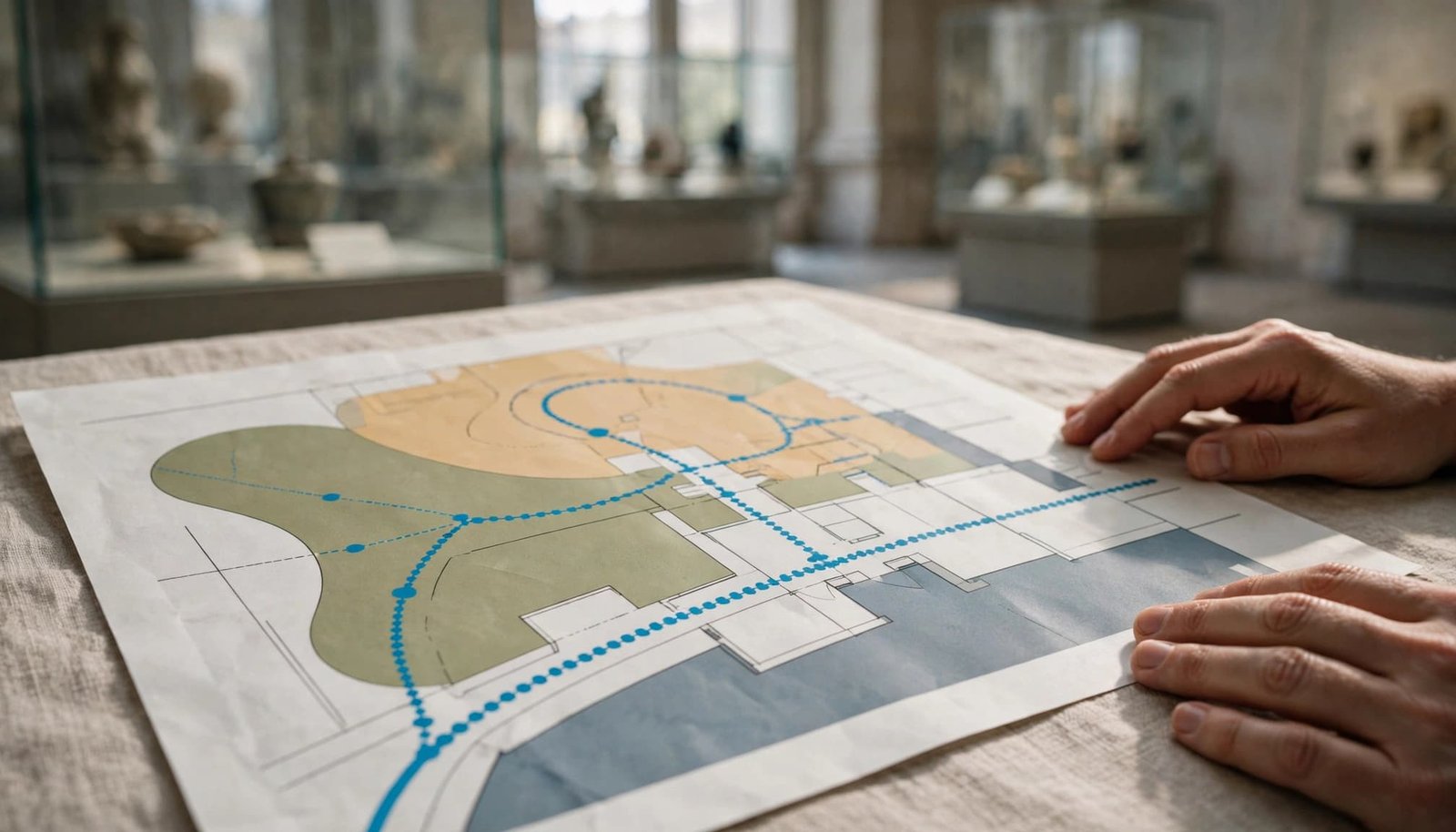
Colors, icons, and ratings only help when you understand what they mean. Read the legend first to see which environmental inputs may affect you and have a sensory impact.
Translate Symbols Into Useful Questions
A museum sensory guide may flag several conditions in one room. Look beyond a general “high sensory” label.
Use the guide’s descriptions to identify the details you need.
| What the guide may flag | What to check before visiting |
|---|---|
| Sound | Is audio continuous, sudden, or visitor-activated? Are artwork soundscapes playing? |
| Lighting | Are there flashing effects, glare, or dark transitions? |
| Touch and movement | Are displays hands-on, vibrating, or moving? |
| Smells | Are food areas or scented exhibits nearby? |
| Crowds | Are there narrow doorways, queues, or shared activity stations? |
The useful detail is the type of input, not just the category.
Trace Routes as Well as Galleries
Follow the route between your chosen exhibits. Check elevators, stairways, connecting corridors, bathrooms, and the exit.
A comfortable gallery may require passing through a loud lobby. Find another route if the map shows one, then confirm it’s open.
Mark a place to pause before your first challenging space. Keep a paper copy if your phone is also used for communication.
A room marked “quiet” describes an expected condition. It doesn’t guarantee silence or an available break room.
Match Sensory Notes to Your Own Needs
Sensory ratings describe the environment, not whether you should enjoy it. Compare the guide’s sensory impact with your own preferences. A lively hands-on exhibit may feel comfortable, while a dim, still gallery feels unsettling.
Start with what usually makes outings difficult. Sudden noise, waiting, or close contact may cause overstimulation; other challenges include missing lunch or having no place to move.
Read the guide for those needs first. Someone who enjoys steady background sound may still find alarms difficult. A visitor who likes bright displays may need warning before entering darkness.
If ratings use numbers, check the scale’s definition. Don’t assume a rating of three means the same thing at two museums. Without an explanation, ask staff what visitors actually encounter.
For families, include your child’s interests and communication preferences in the decision. Offer choices through speech, pictures, gestures, or their usual communication system.
Autistic adults should lead their own planning whenever possible. A support person’s role is to help carry out those preferences, not choose every experience.
Use a Social Narrative to Preview Arrival and Changes
A social narrative is most useful when it describes the parts of the visit that are unfamiliar. You don’t need to review every page at once.
Preview the Entrance Before the Exhibits
Look for photographs of the entrance, ticket desk, security screening, lockers, and bathrooms. Check whether bags are inspected or particular items must be stored.
Describe the first steps in familiar language: “We’ll enter, show our tickets, and find the first gallery.”
If waiting is difficult, ask whether your timed ticket still involves a queue. A reserved admission time doesn’t necessarily mean immediate entry.
Keep the Preview Flexible
Use the narrative as preparation rather than a promise. If the museum offers a pre-visit simulator, it can complement your preview, but the visit may unfold differently. An exhibit may be closed, a room may be busy, or your traveler may prefer something else.
A change card can help if visual supports already work for your family. Pair it with two manageable choices, such as “bench or walk?”
Avoid presenting departure as a punishment. Explain beforehand that leaving is an option when someone needs it. Predictability includes knowing how to stop.
Confirm Break Spaces and Sensory Friendly Hours
An access label is a starting point. The details determine whether a visit fits your needs.
Ask What a Break Space Offers
A bench in a busy hallway is different from an enclosed, low-stimulation room. Ask about lighting, sound, seating, location, and availability.
Find out whether the space requires staff assistance and whether it’s available during regular hours. Check how far it is from your chosen galleries.
Confirm re-entry rules before planning an outdoor break. Also ask about food policies, companion restrooms, stroller rules, and any facilities your traveler needs.
Check the Adjustments for Your Date
Sensory friendly sessions may change sound, lighting, attendance, or movement expectations. Ask what will change at the specific session you’re considering.
The Smithsonian’s Morning at the Museum program is described as a free sensory friendly program for neurodivergent children, teenagers, young adults, and their families. Check current listings, registration details, and any hiatus notices before planning around it.
Ask staff which regular visiting periods tend to have fewer groups. Opening time may work well, but school visits and special events can change crowd levels.
Write down confirmed answers with the date. Recheck important accommodations shortly before leaving home.
Turn the Guide Into a Flexible Visit Plan
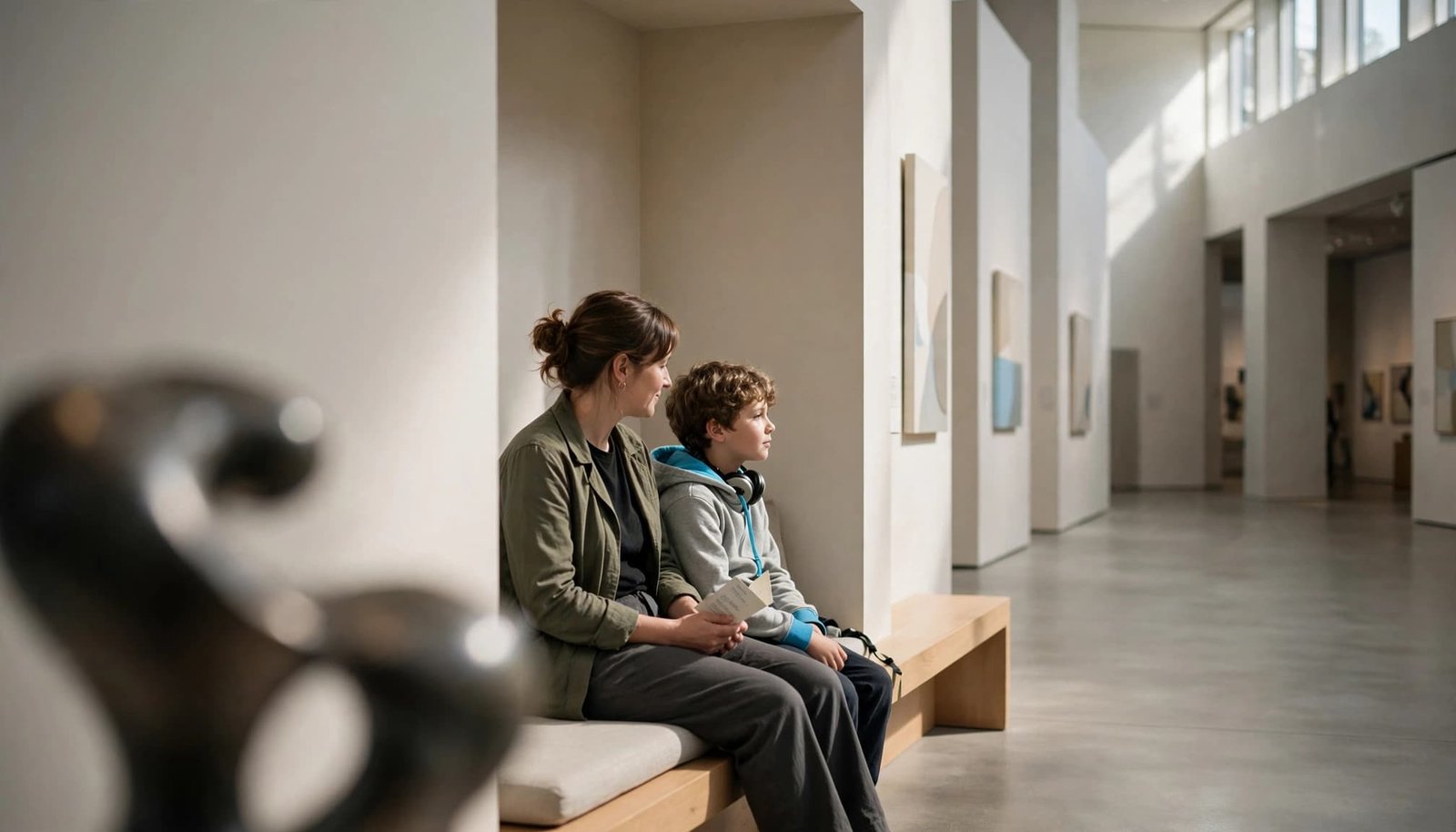
Choose one or two priority exhibits. Keep additional galleries optional rather than filling every available hour.
Choose Your Route and Exit Plan
Put arrival, the main exhibit, a break, and departure into a short visual or written schedule. Include a meal or snack when needed.
Decide where your group will regroup if plans change. Make sure each support person knows the exit route and transportation arrangements.
If an exhibit involves loud effects or darkness, check whether you can observe before entering. Give your traveler permission to watch, try it, or skip it.
Prepare, Support, and Recover
A simple three-part approach can help organize the outing.
Before leaving, review the plan and pack familiar comfort items. During the visit, offer clear choices and take breaks before everyone is worn out.
Afterward, leave time for recovery. A familiar activity, quiet hotel time, or an unhurried meal may fit better than another attraction.
Notice what helped without turning the visit into a test. Your next museum plan can build on those details.
Pack Familiar Supports and Keep Them Accessible
Bring items that already help in everyday life. Depending on your needs, pack noise canceling or noise-reduction headphones, sunglasses, a fidget, medication, communication tools, and familiar snacks.
Check food rules and keep essential supports easy to reach. Test new equipment at home rather than introducing it in a crowded gallery.
The National Air and Space Museum’s accessibility information lists sensory bags containing noise-reduction headphones, fidget toys, and other tools. Confirm pickup details and availability rather than relying on a loaned item you need throughout the visit.
For optional travel supplies, our Trip Rescue Shop offers strollers, travel basics, and cleaning supplies for unexpected illness on vacation. Check museum equipment rules before choosing a stroller.
These preparation habits also help with longer family trips. Our Disney World autism guide shares related ideas for sensory preparation and flexible park days.
Families planning Disney can also find our Disney World With Autism ebook on Etsy and Disney autism guide on Amazon.
K&S The Travel Crusaders brings firsthand family experience, real-world travel planning experience, and Kellie’s B.A. in Child Development to personalized vacation planning. Your family’s needs guide the plan.
Frequently Asked Questions
What If the Museum Doesn’t Have a Sensory Guide?
Ask its visitor support team for descriptions of your chosen exhibits, entrance procedures, quieter areas, and sudden sound or lighting effects.
Use a regular floor plan to organize those answers. The British Museum’s visitor information includes a floor-by-floor plan for route planning.
You can make a short personal preview with accurate photos and confirmed details. Avoid guessing which spaces will be comfortable or presenting old visitor reports as current policy.
Can Apps, Virtual Tours, or Soundscapes Help?
They can offer useful previews when you can control sound, pace, and playback. Check whether a virtual tour reflects the current exhibition.
Some museums offer a pre-visit simulator or heatmaps. Neither is necessarily available or a live reflection of current conditions.
Artwork soundscapes may suit visitors who enjoy audio, but added sound may be uncomfortable for others. Treat them as optional.
Ask whether an arrival interactive kiosk is optional, so you can skip the kiosk touchpoint or use it at your own pace.
Don’t assume an app shows live crowds or sound levels. Static maps describe expected conditions. Save essential information offline so a crowded kiosk, low battery, or poor connection doesn’t interrupt your plan.
Key Takeaways
- Read the legend and check whether materials apply to your building, galleries, and visit date.
- Match sensory descriptions to your preferences, then confirm break spaces, equipment, and re-entry rules.
- Choose a short route with familiar supports and a clear way to change plans or leave.
A Comfortable Visit Leaves Room for Change
A museum sensory guide helps you make informed choices before you arrive. It can’t predict every sound, queue, or change in the building.
Use it to prepare for difficult moments while protecting choice and comfort. Seeing one favorite exhibit and leaving with energy can be a successful museum day.
Your plan should support the people visiting, not pressure them to finish it.
Leave a Reply