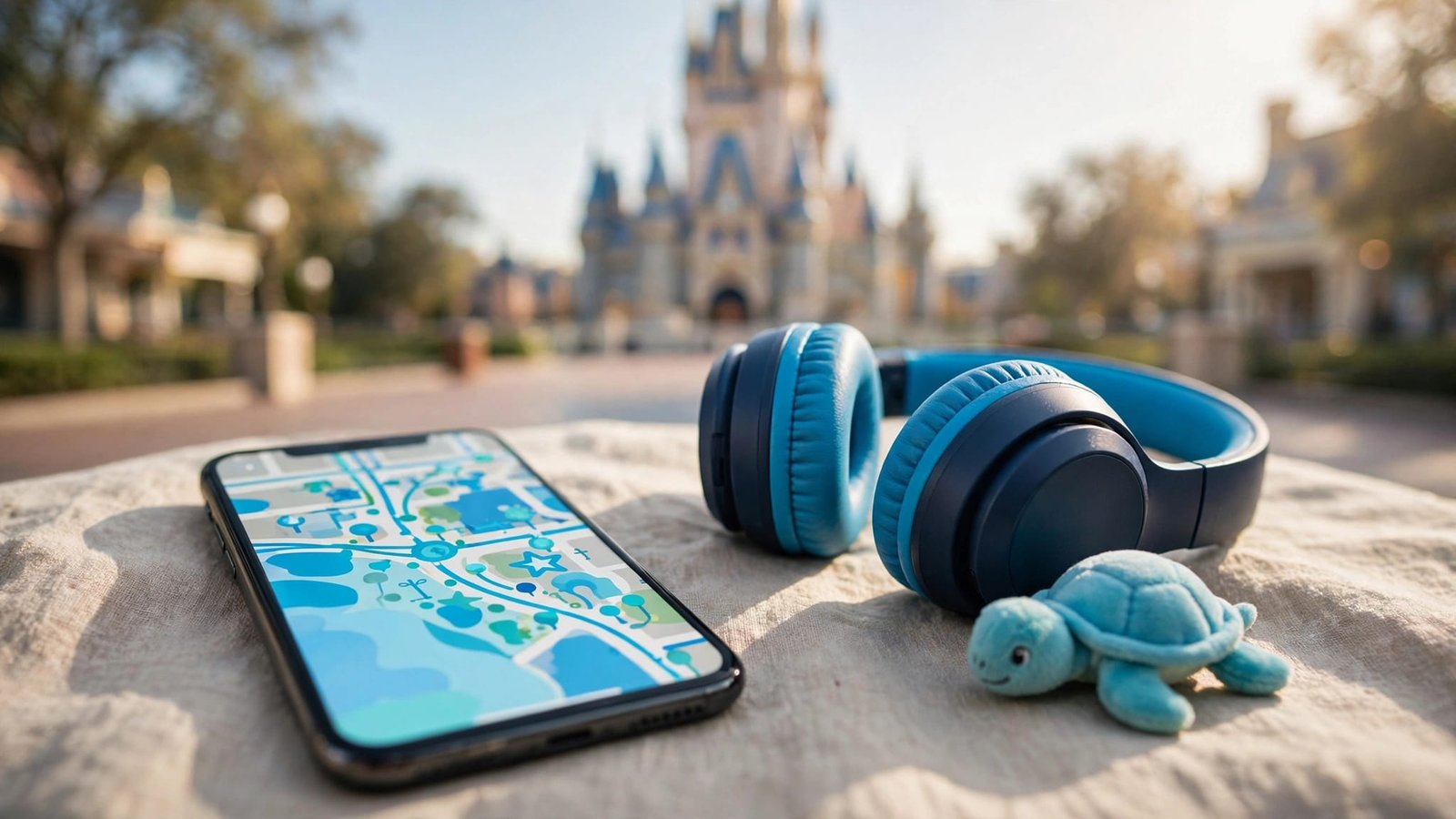
My Disney Experience helps you plan autism-friendly Disney travel for neurodivergent guests with park maps, attraction details, wait times, dining options, and DAS return times for eligible guests. The app works best alongside a simple schedule built around your traveler’s communication, sensory needs, and comfort.
You don’t need a full day of reservations to create a meaningful vacation. Start with a few priorities, protect time for breaks, and use the app to make adjustments before your family becomes overwhelmed.
Key Takeaways
- Link tickets, hotel reservations, and your travel party before leaving home.
- Register for DAS up to 60 days before your visit. Eligibility depends on queue-related needs, not diagnosis or app use.
- Use maps, Mobile Order, and attraction details to reduce unnecessary walking and waiting.
- Keep communication tools, familiar supports, and a backup plan available throughout the day.
1. Before Booking: Decide What Your Family Needs
Choose a Manageable Starting Point
Disney offers accommodations, but a theme park vacation won’t suit every autistic traveler at every stage. Consider your child’s response to crowds, heat, unfamiliar bathrooms, transportation, and changes in routine.
Choose one or two experiences your child wants. Preview ride-through videos together to help them understand the sensory experience, including darkness, motion, loud sounds, or enclosed spaces. Height eligibility doesn’t tell you whether an attraction will feel comfortable.
If some party members may take turns riding, check Disney’s official guidance for current Rider Switch availability and process.
Our Disney World autism planning guide can help you connect these needs with your overall trip plan.
Protect Rest and Transportation Time
Choose accommodations based on how easily your family can return for a break. A nearby hotel can still involve crowded transportation, long corridors, and additional waiting.
Allow recovery time after arrival rather than making the first evening a busy park night. For a child with high support needs, a short visit with a familiar meal may be a better starting point.
Plan who will handle navigation and who will support communication. Clear caregiver roles reduce last-minute decisions.
2. After Booking: Set Up My Disney Experience
Link Your Family’s Plans
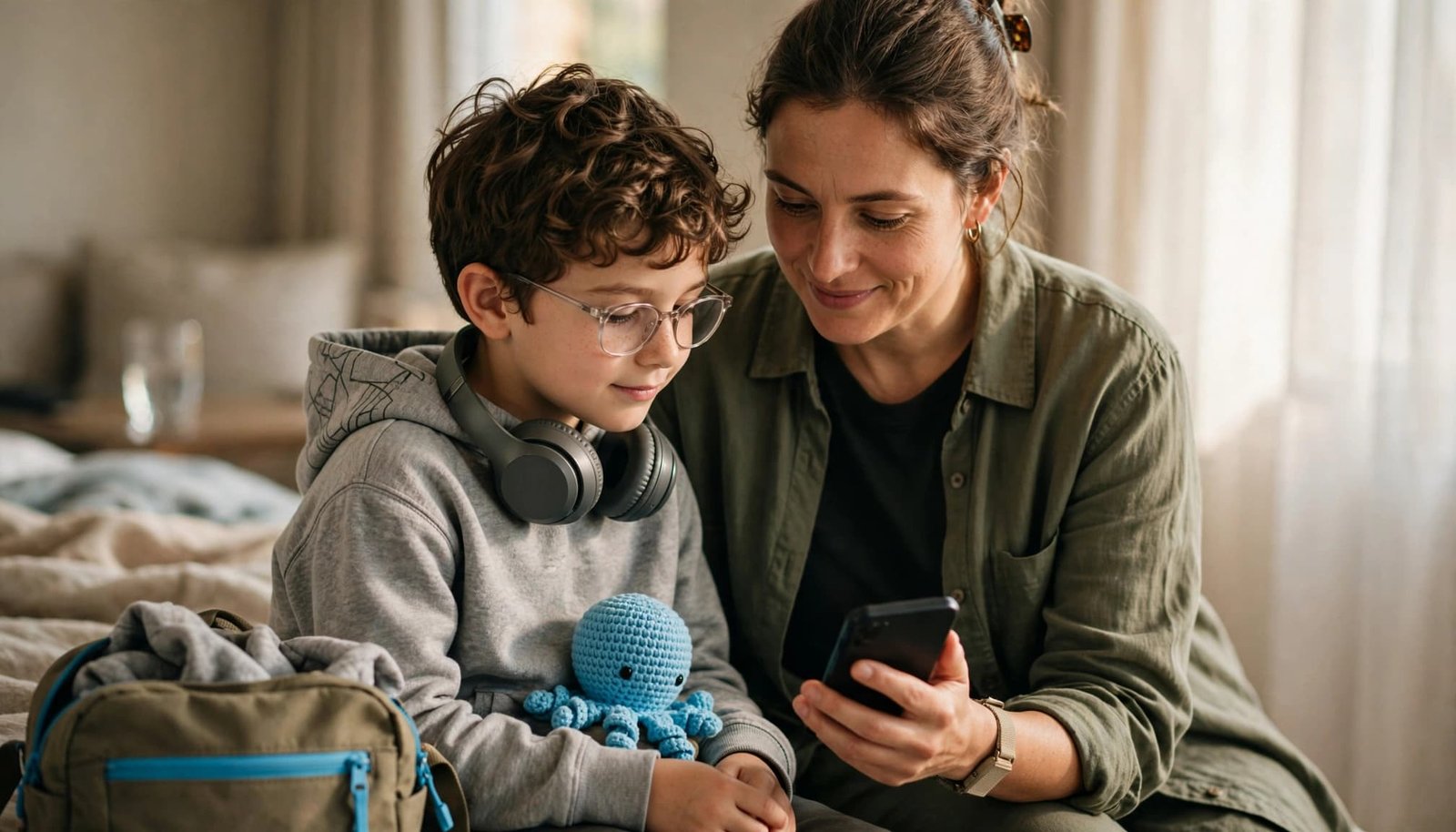
Download My Disney Experience and sign in to your Disney account. Link your tickets and hotel reservation, then use Family & Friends to connect everyone traveling together.
Open your plans and check which guests are linked to each reservation. Review any park reservation or ticket requirements that apply to your visit.
Add a payment method if you plan to use Mobile Order at locations where it’s available. Practice finding reservations, park maps, dining information, attraction listings, and wait times before travel day. Genie+ is a former service name, so check the app for Disney’s current Lightning Lane options. Keep a portable charger accessible, especially if your phone also supports communication or medical needs.
Preview Attractions and Nearby Support
Open the park map and review attraction listings, wait times, height requirements, and ride descriptions before adding an attraction to your child’s visual schedule.
Use the map to locate restrooms, dining, and Guest Relations. Group priorities in the same area to reduce repeated trips across the park.
The app isn’t a complete sensory guide. Pair its information with ride previews and your traveler’s preferences. Keep a simple schedule separate, with only the next few activities visible. Include a familiar symbol or word for “break” and “leave.”
3. Up to 60 Days Ahead: Arrange DAS
Register Through the Correct Resort
Walt Disney World’s Disability Access Service provides a return time based on the current standby wait. It doesn’t provide immediate attraction access, and some waiting remains after you return.
Walt Disney World and Disneyland accept DAS registration 2 to 30 days before a park visit through a live video chat. Disneyland guests can also register at an Accessibility Services location in the park.
The person handling registration must be at least 18. The guest requesting DAS must join the conversation, including when an adult registers for a child.
Explain what happens during a conventional queue and what support your traveler needs. An autism diagnosis alone doesn’t establish eligibility. Families may search for a “DAS pass,” but Disney calls the program Disability Access Service (DAS).
Understand Party Size and Validity
A DAS party usually includes the registered guest and up to three additional people, for a maximum of four.
At Walt Disney World, DAS is valid for up to 120 days or the length of the ticket, whichever is shorter. At Disneyland, it’s valid for up to 60 days or the length of the ticket, whichever is shorter. You’ll need to register again after it expires.
The registered guest must be present and experience the attraction when the return time is redeemed. Family members can’t use that guest’s DAS while the guest rests elsewhere.
Keep your day flexible whether DAS is approved or another queue accommodation is offered. Our child-led park day planning guide offers practical ways to keep the schedule manageable.
4. Before Departure: Prepare Airport and Food Support
Request Airport Assistance Early
Contact TSA Cares passenger support at least 72 hours before departure to request security-screening assistance. Describe practical needs, such as extra processing time, one-step directions, or AAC communication.
Every traveler still completes screening. TSA Cares doesn’t guarantee a shorter line, a private screening space, or a particular screening outcome.
The voluntary Sunflower Program lets travelers wear a Hidden Disabilities Sunflower lanyard to signal that patience or support may help at participating airports. It doesn’t replace explaining your child’s needs.
Preview the airport sequence with photos or a short visual schedule. Decide whether earlier boarding or less time seated on the aircraft better suits your child.
Prepare Familiar Food and Supplies
Check menus in My Disney Experience to plan dietary accommodations. Identify familiar foods and pack suitable backup snacks.
For special dietary needs that require advance planning, review Disney’s special dietary request process for current request criteria, contact details, and timing.
Pack familiar sensory supports, medication, communication tools, spare clothes, and chargers. Our Trip Rescue Shop travel essentials includes strollers, comfort items, and cleaning supplies for unexpected sick days away from home.
5. Park Day: Request DAS Return Times in the App
After the registered guest enters the park, they can use My Disney Experience to request an attraction return time for eligible attractions. This feature is available only to guests who have registered and been approved. App setup or use doesn’t establish eligibility or guarantee an accommodation.
- Open My Disney Experience and go to the Tip Board. Select an eligible attraction and choose the DAS return-time option shown.
- Select the registered guest and eligible linked party members who will ride.
- Spend the waiting period somewhere that supports your traveler. A snack, restroom visit, or shaded break may fit better than another attraction.
- Return at or after the assigned time and follow the Cast Member’s directions at the attraction’s Lightning Lane entrance. The registered guest must be present to redeem the return time.
You can hold only one active DAS return time at a time. Request another after redeeming the current one. Use the return time any time after it becomes available and before the park closes.
A DAS waiting period is useful recovery time. Filling it with another demanding activity can leave your child overwhelmed before the original attraction begins.
If the app isn’t working, visit Guest Relations or a Guest Experience Team location marked by a blue umbrella for guest services and return-time help. Keep screenshots of essential reservations and a simple backup schedule, but screenshots won’t show updated return-time availability.
6. Between Attractions: Use the App to Reduce Stress
Plan Food and Breaks Nearby
For Mobile Order, select a participating restaurant, choose an arrival window, and place your order. When you’re nearby and ready, use the app’s arrival option so preparation can begin. Wait for the ready notification before approaching pickup. Restaurant availability and app steps can change, so follow the current prompts in My Disney Experience.
Keep meals and breaks close to your current location. Center Street on Main Street, U.S.A., World Celebration, and Discovery Island offer quiet areas where you can pause. These public locations can work as a break area, but quiet isn’t guaranteed.
Companion restrooms are single-stall and gender-neutral. Some have manual-flush toilets, which may help guests who find automatic flushing difficult. They don’t guarantee a quiet space.
Watch for early signs of sensory overload, such as covering ears, withdrawing, or showing distress. If your child seems overstimulated, pause in a lower-stimulation spot or leave before the situation escalates.
Keep Safety Separate From the Schedule
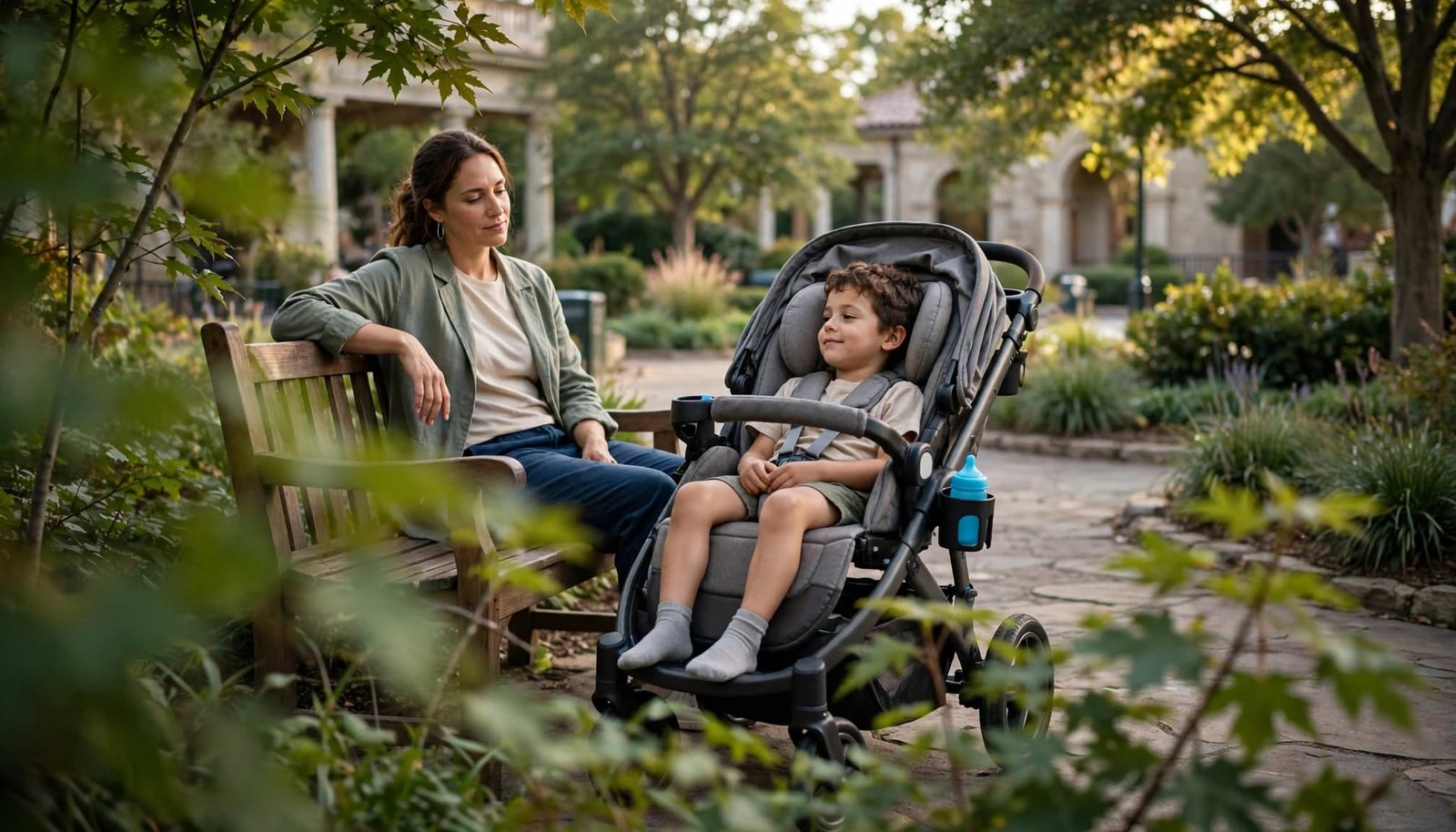
If your child uses a special needs stroller as a mobility device, ask Guest Relations about the current stroller-as-wheelchair process. This accommodation is separate from DAS, and attraction access and transfer requirements vary.
Take a current photo each morning and provide caregiver contact information in a form your child tolerates. Keep AAC and other communication supports available during breaks.
Use entertainment times to plan your exit before a show or fireworks if loud sound or crowded departures are difficult.
At your resort, assign one adult to active water supervision. The CDC identifies drowning following wandering or elopement as a leading safety concern for autistic people. Pool time needs its own safety plan.
Frequently Asked Questions
Is My Disney Experience the App for Disneyland Too?
No. My Disney Experience is for Walt Disney World in Florida, while guests at Disneyland use the Disneyland app. DAS registration is separate for each resort, and approval at one resort doesn’t transfer to the other.
How Soon Can We Request Another DAS Return Time?
At both resorts, you can request another return time after redeeming your active selection. You can hold only one active return time at a time. Check the app for the next available selection and resort-specific instructions.
Can We Use DAS Without a Smartphone?
At Walt Disney World, Cast Members at Guest Relations or Guest Experience Team locations can help with return time requests. At Disneyland, visit Guest Relations for help with DAS return times. Disneyland’s DAS guidance explains the resort’s current options. Keep communication supports available, even when a caregiver handles the app or planning.
Build a Disney Plan That Fits Your Family
My Disney Experience can help reduce uncertainty, but your traveler’s comfort should guide each decision. A shorter day with familiar supports and room to change plans can still be a successful vacation.
Kellie’s B.A. in Child Development and our family’s real-world travel-planning experience shape how we help families prepare for sensory needs, accessibility, and flexible Disney days. For additional preparation, explore our Disney World with Autism PDF on Etsy or the Amazon edition of our guide.
These optional planning resources complement Disney’s official information. We’re happy to help you build a personalized vacation around the support your family needs.
Leave a Reply